A podcast kit is not a ready-made box: it is a microphone, headphones and software that work together, chosen for the way you record. This guide offers four kits — solo, two people, video, remote — starting with the simplest. We have not tested this gear ourselves: every pick relies on public user feedback and on the guides and reviews listed at the bottom of the page, and every known limit is written down.
01 · Solo kit: the microphone with no audio interface
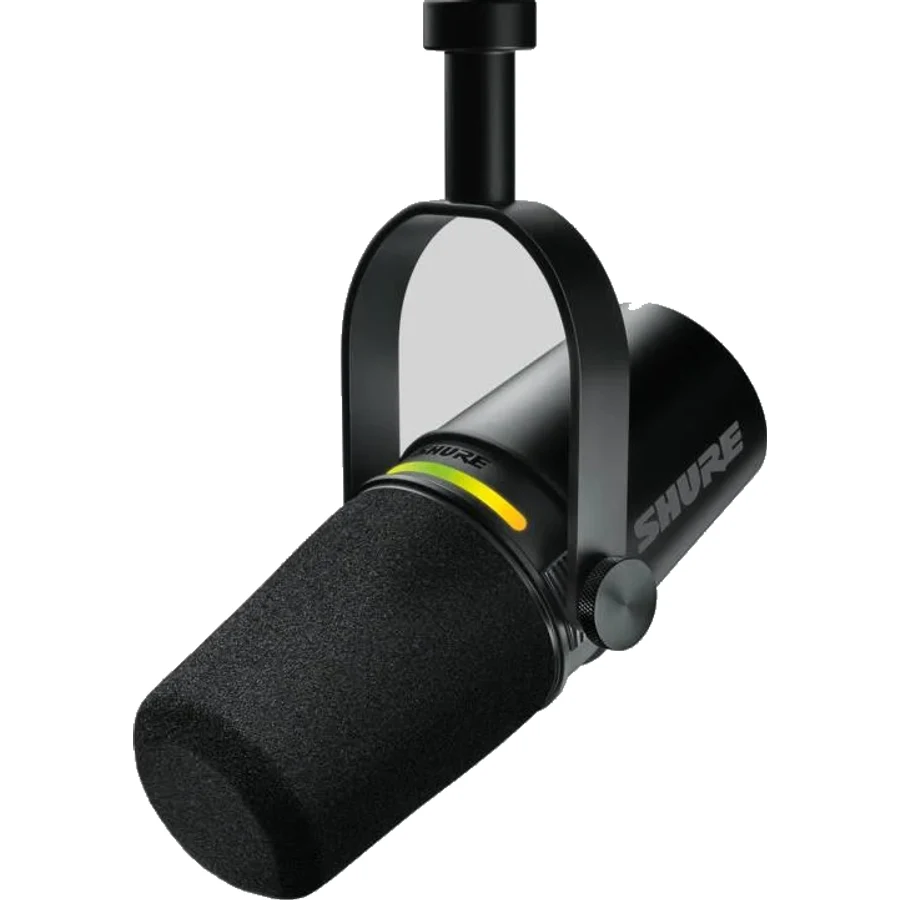
Shure MV7+ (Black)
It plugs straight into the computer over USB, and its built-in processing makes it usable in an untreated room. Its XLR output saves you from buying another microphone the day you move to an interface.
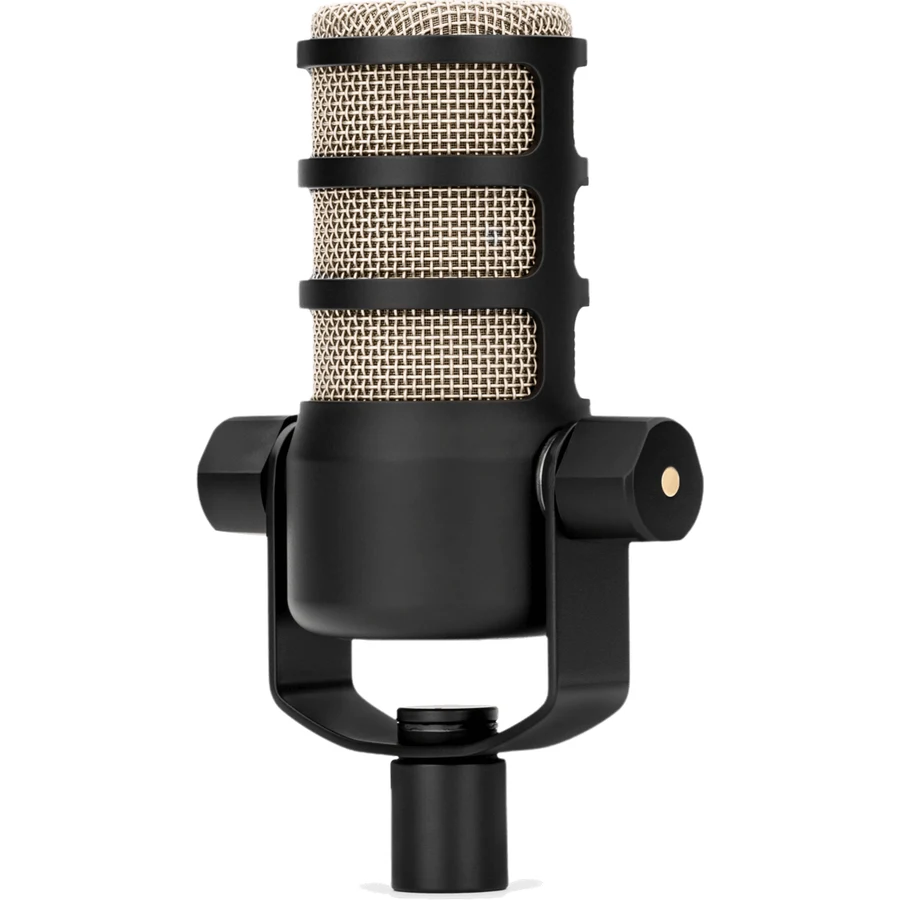
An XLR dynamic microphone built for the spoken voice, with a built-in swing mount and pop filter. It needs a lot of gain and weighs about 937 g: plan a strong interface and a sturdy arm.
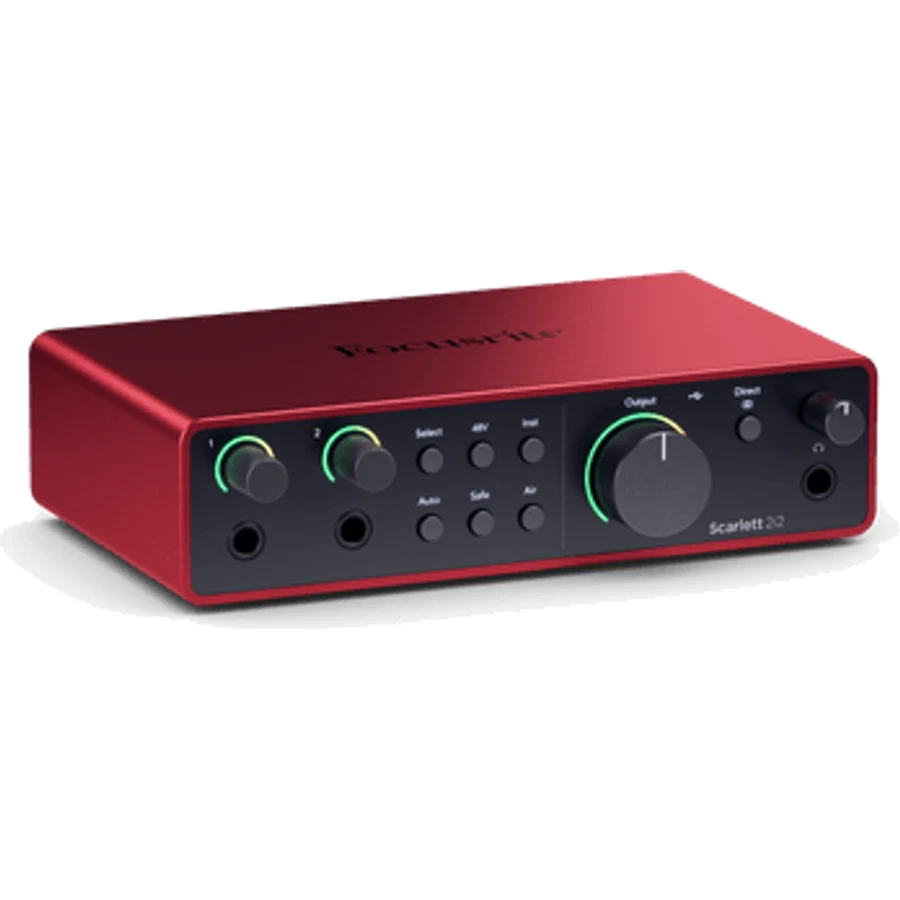
Two microphone inputs, 69 dB of rated gain and automatic gain setting that prevents takes that are too quiet. It is no longer enough beyond two voices.
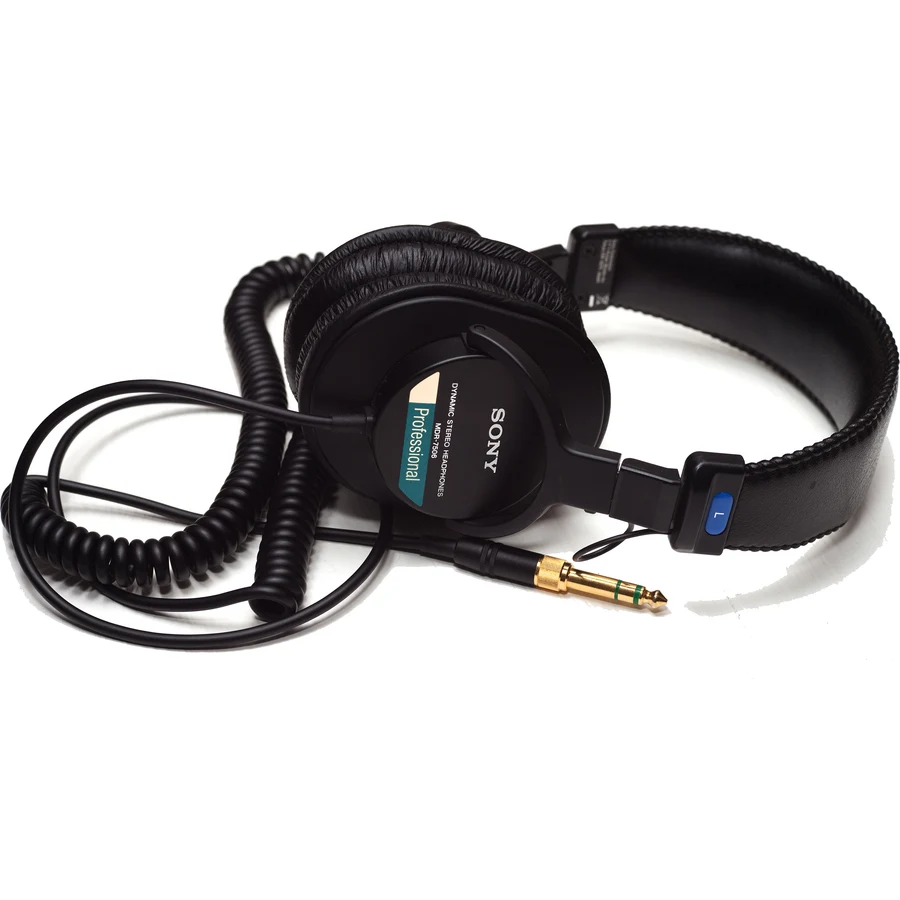
Closed-back headphones stop the sound from bleeding back into the microphone during the take. These plug into an interface as easily as into a laptop; their ear pads wear out after a few years.
To record alone, a USB microphone and closed-back headphones are enough: no interface, no XLR cable. The Shure MV7+ plugs straight into the computer and keeps an XLR output for later. Add closed-back headphones such as the Sony MDR-7506 and recording software: Audacity is free and enough to start.
With two people in the same room, each voice has its own microphone and the interface needs as many microphone inputs. A simple, coherent kit: two Rode PodMics and a Focusrite Scarlett 2i2. The PodMic has low sensitivity and needs a lot of gain; the 4th-generation 2i2 is rated at 69 dB and sets the level automatically. Beyond two voices, you need an interface or a mixer with more inputs.
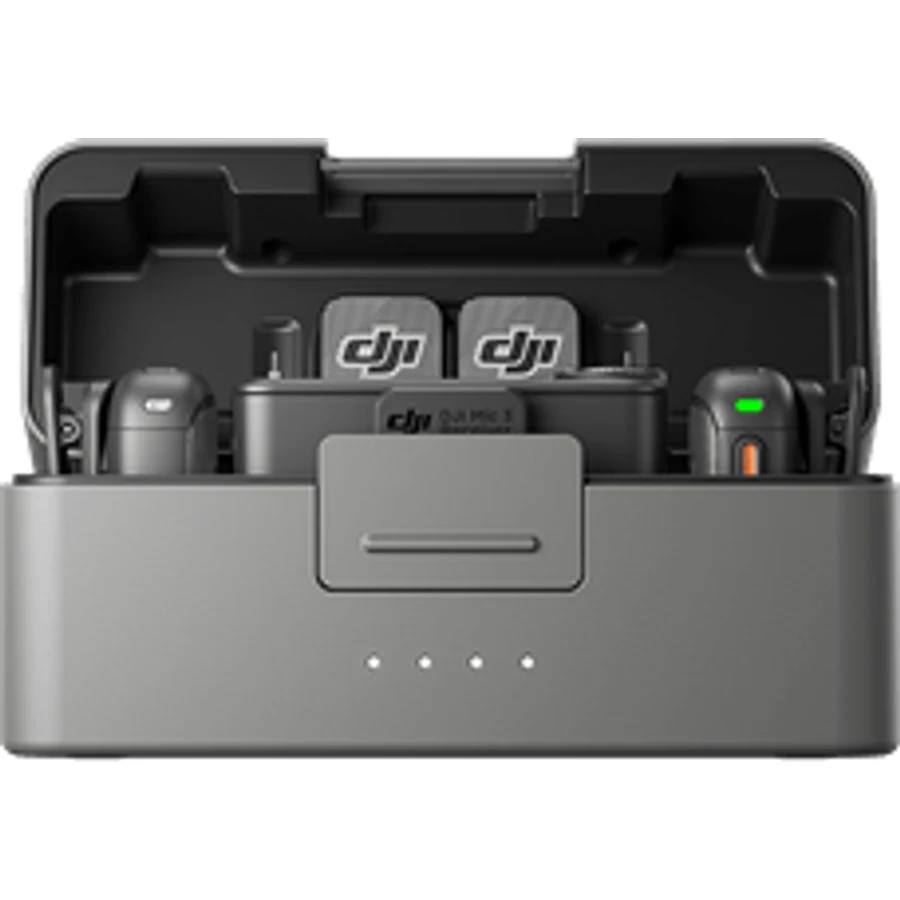
For a filmed podcast, a wireless system keeps cables out of the shot. The DJI Mic 3 takes up to four transmitters and adds timecode, useful with several cameras; the DJI Mic 2 stays simpler for one or two speakers. Many video podcasts combine both: a desk microphone for the main sound, a wireless one for moving shots.
When the guest is not in the room, gear is not enough: you need a remote recording tool. Riverside records each participant on their side to avoid video-call dropouts, and Descript then lets you edit the episode by changing the transcript text.
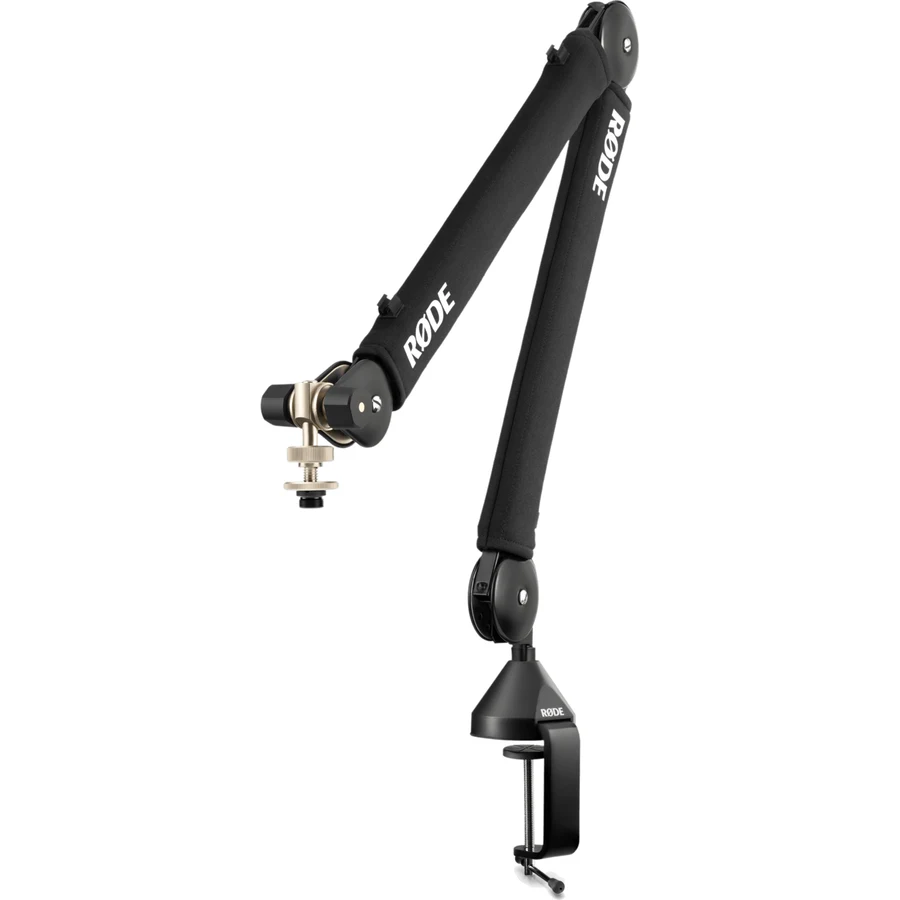
A boom arm to place the microphone close to the mouth, essential with a heavy one. An inline preamp such as the Cloudlifter CL-1 if your interface lacks gain. And, when the voice becomes your job, a reference microphone such as the Shure SM7B. None of this is needed to record a first episode.
A product only enters a kit if several independent sources, or one reference source, cite it, and if the parts of the kit work together. We do not claim to have tested this gear: we gather public feedback from users and specialist reviews, and we write the limits as clearly as the strengths. The order does not depend on commissions.
Also cited by the reference guides
Rode PodMic USB — The USB version of the PodMic, for a solo kit without an interface. Page coming soon.
Focusrite Vocaster Two — An interface built for two-person podcasts, cited by Riverside. Page coming soon.
Samson Q2U — Entry-level USB and XLR microphone, often sold as a kit with a tripod.
Audacity — Free recording and editing software, enough for a first episode.
Frequently asked questions
What gear do you need to start a podcast?
A microphone, closed-back headphones and recording software. With a USB microphone such as the Shure MV7+, no audio interface is needed; Audacity, which is free, is enough to record and edit a first episode.
Which kit for a two-person podcast?
Two XLR microphones, an interface with two microphone inputs and closed-back headphones. Two Rode PodMics with a Focusrite Scarlett 2i2 make a simple, coherent kit, as long as you raise the gain: the PodMic has low sensitivity.
Do you need an audio interface for a podcast?
Not for a USB microphone. It becomes necessary as soon as you use XLR microphones, especially to record two voices on separate tracks.
Can you make a wireless video podcast?
Yes: a system such as the DJI Mic 2 or DJI Mic 3 clips onto each speaker and also records internally, a safety net if the transmission drops. The Mic 3 adds timecode to sync several cameras.